
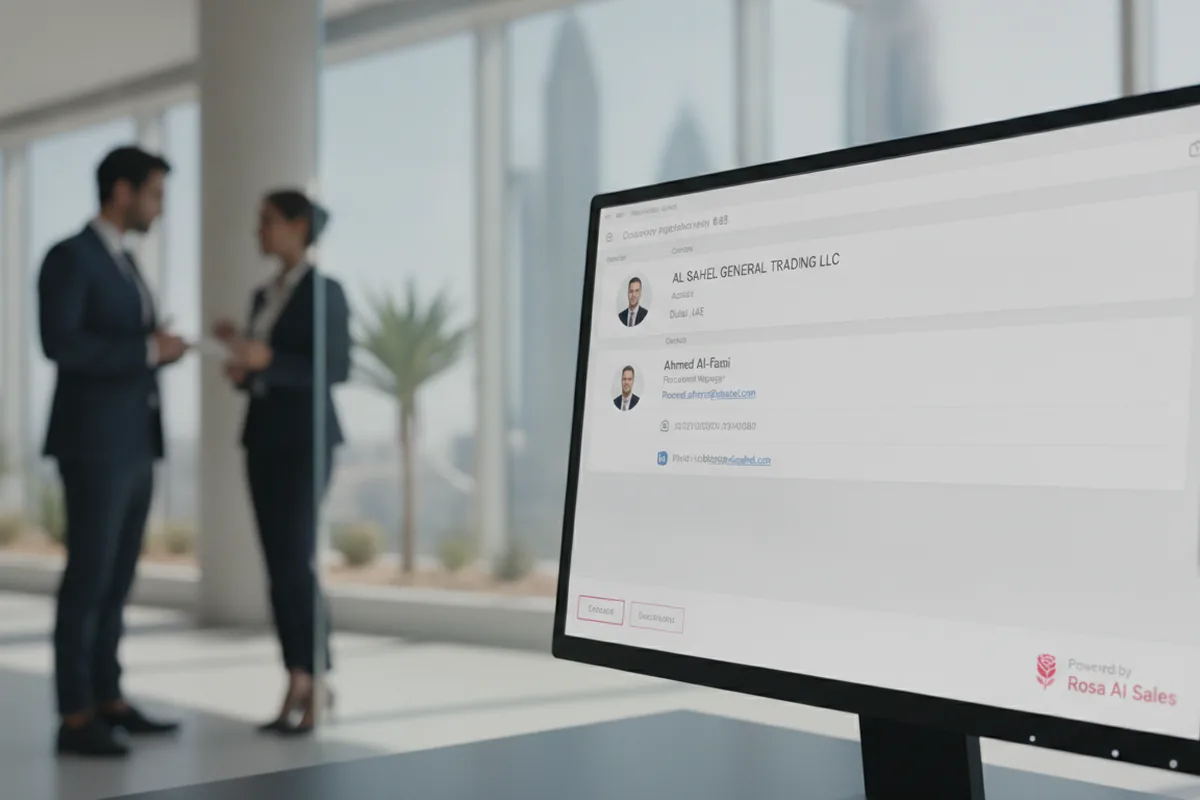
Every B2B sales team works from a CRM full of half-empty records: a name with no job title, a company with no size, an email that bounces. Data enrichment fills those gaps so reps know who they are talking to and AI agents can personalise outreach on real facts. This guide explains how B2B data enrichment works, what waterfall enrichment is, where AI agents help and how to keep enriched data accurate and compliant.
What data enrichment adds
| Type | Examples | Used for |
|---|---|---|
| Contact | Verified work email, phone, job title, seniority | Reaching the right person |
| Firmographic | Industry, headcount, revenue band, location | Fit scoring and routing |
| Technographic | Tools and platforms the company uses | Relevant messaging |
| Signals | Hiring, funding, new office, job changes | Timing outreach |

How waterfall enrichment works
No single data provider covers every market. One may be strong on US tech companies and weak on Gulf or European firms. Waterfall enrichment queries providers in sequence:
- Check which fields are missing on the record.
- Query the best-value provider for that field first.
- If the field is still empty or fails validation, move to the next provider.
- Stop as soon as a validated value is found, so you do not pay for duplicates.
- Validate the final result once: email verification, phone check, recency.
Where AI agents help
- Research beyond databases: agents read the company website, news and job posts to add context that providers do not hold.
- Handling conflicts: when two sources disagree on a title or company size, an agent can check a third source or flag the record.
- Normalising: cleaning titles ("VP Sales", "Head of Sales") into consistent segments for routing.
- Writing the "why now": turning a signal such as a new funding round into a first line a rep can use. See AI email outreach.
When to enrich
- On inbound: enrich the lead the moment a form is submitted so routing and response are instant. Read speed to lead.
- Before outbound: enrich target account lists before sequences start.
- On a schedule: B2B data decays as people change jobs; re-check active records regularly.
- Before reactivation: verify old leads before re-engaging them. See re-engaging old leads.
Common mistakes
- Enriching everything instead of the fields that change decisions.
- Trusting catch-all emails and switchboard numbers as verified.
- Overwriting good data entered by reps with lower-quality provider data.
- No source or date stored per field, so nobody knows what to trust.
- Ignoring privacy rules (GDPR, UAE PDPL) on personal data and opt-outs.
A simple setup
- Define the 6–10 fields your routing and scoring actually use.
- Choose two or three providers that cover your markets.
- Set the waterfall order by cost and coverage, with validation at the end.
- Write enriched fields back to the CRM with source and date.
- Let an AI agent use those fields for scoring, research and first drafts, with a person approving outreach.
Rosa enriches and researches leads automatically, scores them against your ideal customer profile and hands reps a ready brief. See how it fits with implementing AI in B2B sales.
Frequently asked questions
What is B2B data enrichment?
Adding missing contact, company and signal data to CRM records from external sources.
What is waterfall enrichment?
Querying several data providers in order and stopping at the first validated result, to raise coverage without paying twice.
How often should data be refreshed?
Active pipeline records should be re-checked every few months, because job changes make B2B data go stale quickly.
Is enrichment legal?
Generally yes for business contact data, but you must follow GDPR, local data protection laws and honour opt-outs.